 Trackhop
Self-hosted playlist sync
You run your own music server, Navidrome (or another Subsonic server), Jellyfin or Plex, and you still have playlists on a streaming service. Trackhop keeps the two in step: the same playlists on both sides, updated on a schedule, on hardware you own. No account, no cloud service in the middle, free and open source.
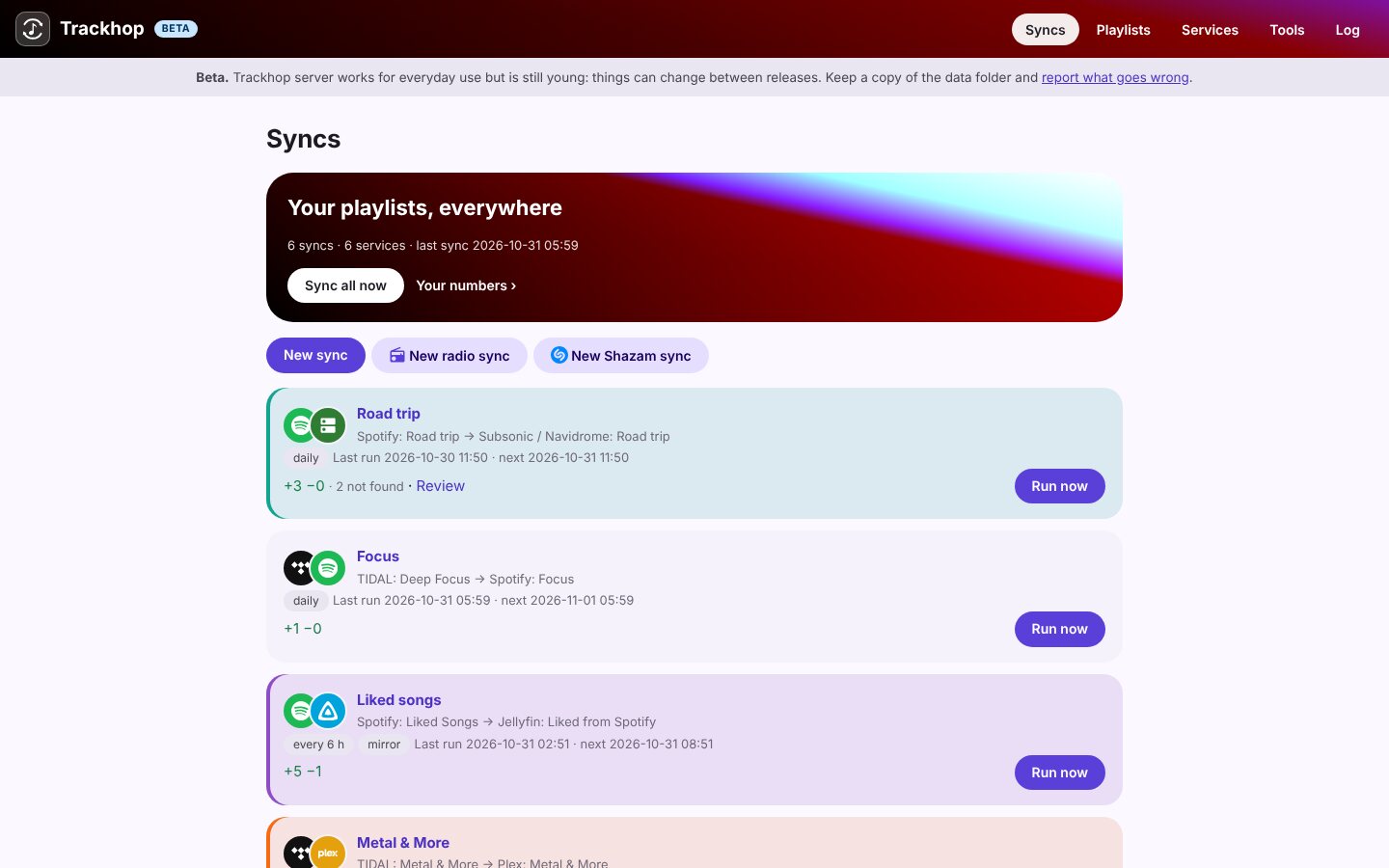
What it does
- Streaming → your server: a Spotify, YouTube Music, TIDAL or Deezer playlist (or your liked songs; Apple Music too, from the Android app) becomes a playlist on Navidrome, Jellyfin or Plex, matched against your own library by ISRC, then title, artists and duration. Songs you do not own are listed, not faked.
- Your server → streaming: the playlists you build at home, on the go too.
- Server ↔ server: moving from Plex to Jellyfin, or keeping both.
- On a schedule: hourly, every 6 hours, daily or weekly; additions only, or removals mirrored as well, with a safety check before a large deletion.
- Backups: every playlist as dated files (CSV, M3U and more), on a schedule.
Where it runs
| Where | What you get |
|---|---|
| Docker on a home server, a NAS or a Raspberry Pi | The syncs run around the clock; a web page to set them up, also as an app on your phone. On a NAS. |
| Trackhop Desktop on Windows, macOS or Linux | The same engine as a program, while the computer is on. |
| The Android app | On your phone, talking to your server directly. |
Start it with Docker in one command:
docker run -d --name trackhop -p 8080:8080 -v trackhop-data:/data \
  -e SONGPORT_PASSWORD=choose-one ghcr.io/xlollx/trackhop:latest
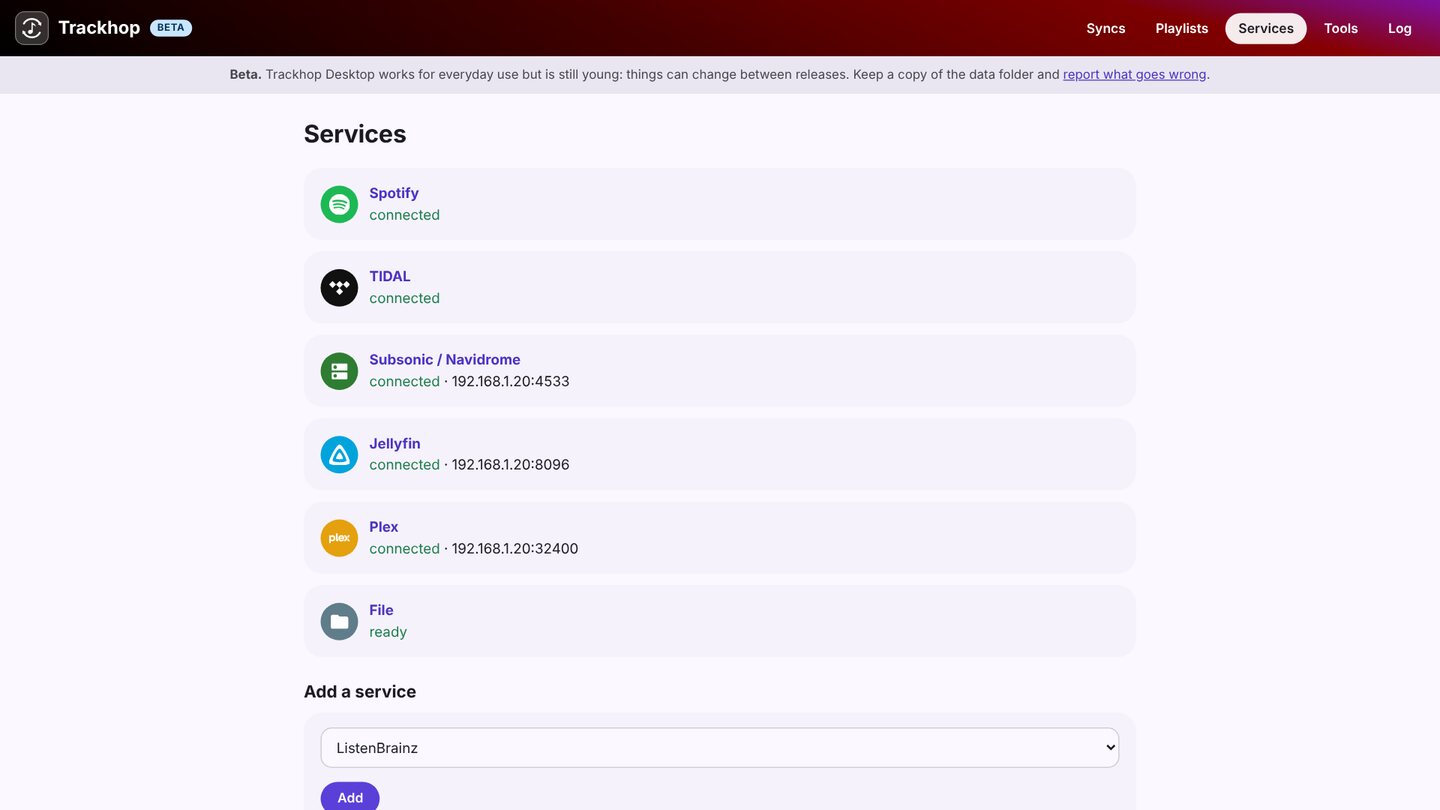
Then open http://<server>:8080 (any user name, the password you chose), add your music server under Services (its address and your
login) and a streaming service, and create a sync. The Docker guide has Compose, the
settings and the details for each service.
Why self-host it
- Your logins stay with you: nothing goes through a third-party service.
- No limits and no subscription: as many playlists and tracks as you like.
- It talks to your server on your network: no need to open it to the internet.
- For the whole household: with
SONGPORT_MULTIUSER, each person signs in and has their own services and syncs on the same server (how). - Scriptable: a REST API, a webhook and a command line, for Home Assistant, n8n or cron.
Step by step: Spotify to Navidrome, Jellyfin or Plex.