 Trackhop
Playlist sync for Mac
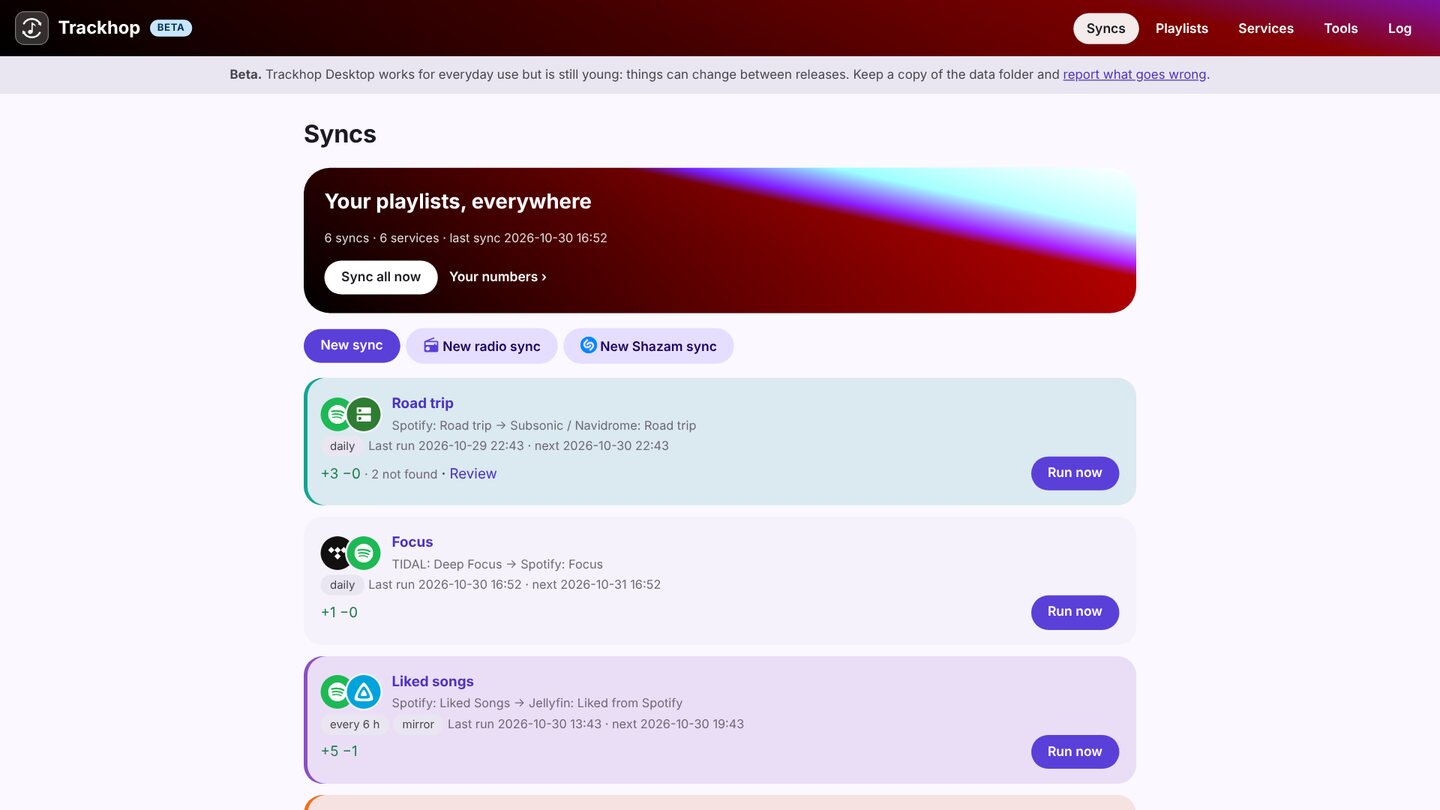
Trackhop Desktop keeps your playlists identical across music services from a Mac, Apple silicon or Intel, macOS 11 or later: Spotify, YouTube and TIDAL (with your own free developer key), your Navidrome, Jellyfin or Plex server, Last.fm and ListenBrainz, and playlist files. It lives in the menu bar and runs your syncs on a schedule while the Mac is on. Free and open source, no account.
Install
With Homebrew:
brew install --cask xlollx/tap/trackhop
Or download the .dmg from the download table (arm64 for Apple silicon, x64
for Intel), open it and drag Trackhop into Applications.
The first time, macOS refuses to open it: Trackhop is not signed with Apple’s paid developer certificate, as is usual for free open-source apps. Once: System Settings › Privacy & Security, “Trackhop was blocked…”, Open Anyway. From then on it opens normally. More.
What you can do
- Sync playlists on a schedule, hourly to weekly, additions only or removals mirrored too.
- Transfer many playlists at once, liked songs and saved albums included.
- Review the tracks the target does not have, with suggested replacements.
- Back up every playlist as dated files, and the whole set-up in one file.
- Radio syncs: the songs an internet radio plays in the hours you choose, saved to a playlist.
- Automate it with the command line (
trackhop run --all, alsotrackhopafter the Homebrew install) or the REST API.
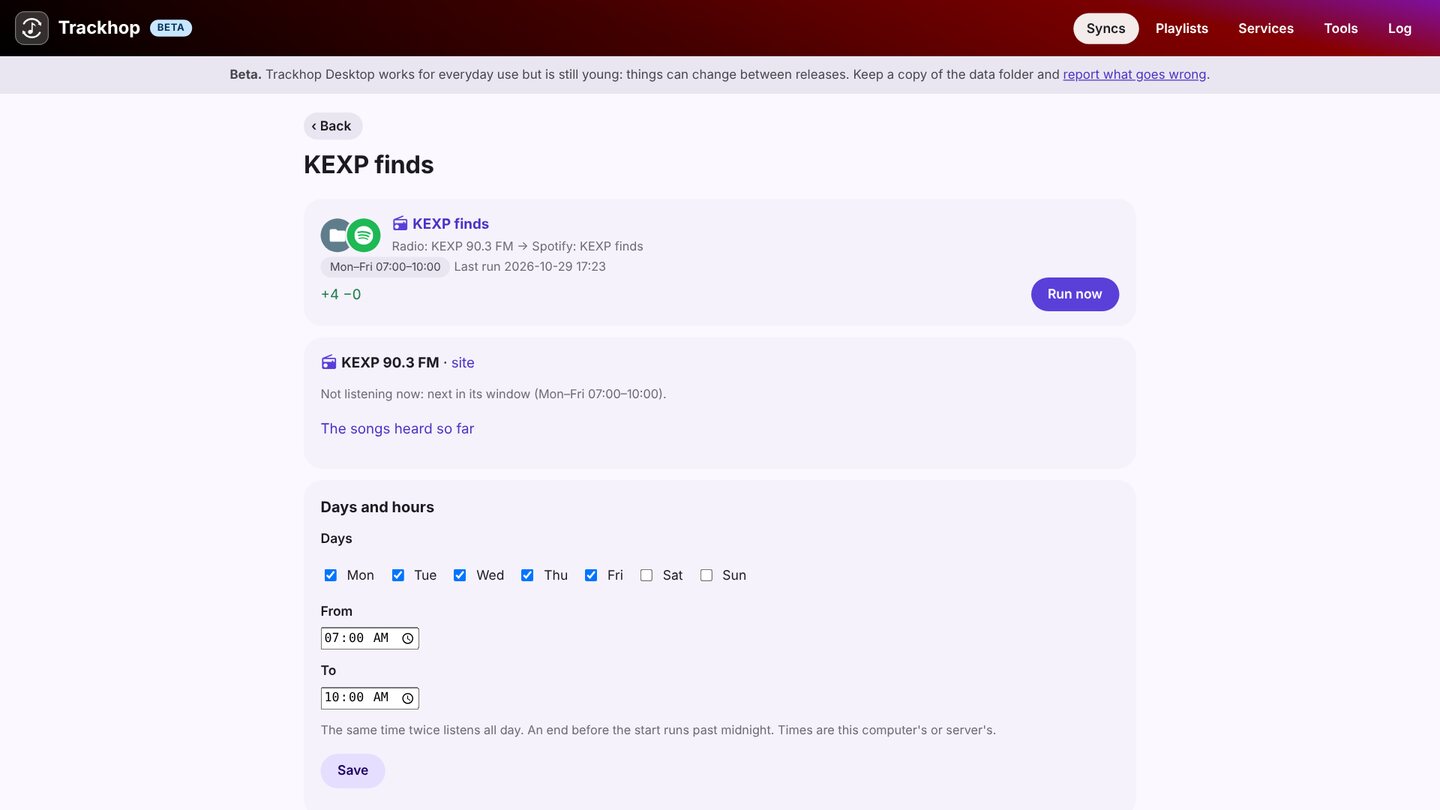
On the Mac its pages open in your browser, at an address only this Mac can reach. Your data stays
in ~/Library/Application Support/Trackhop.
More: the Desktop guide · Windows · Linux · on a home server