 Trackhop
Playlist sync for Linux
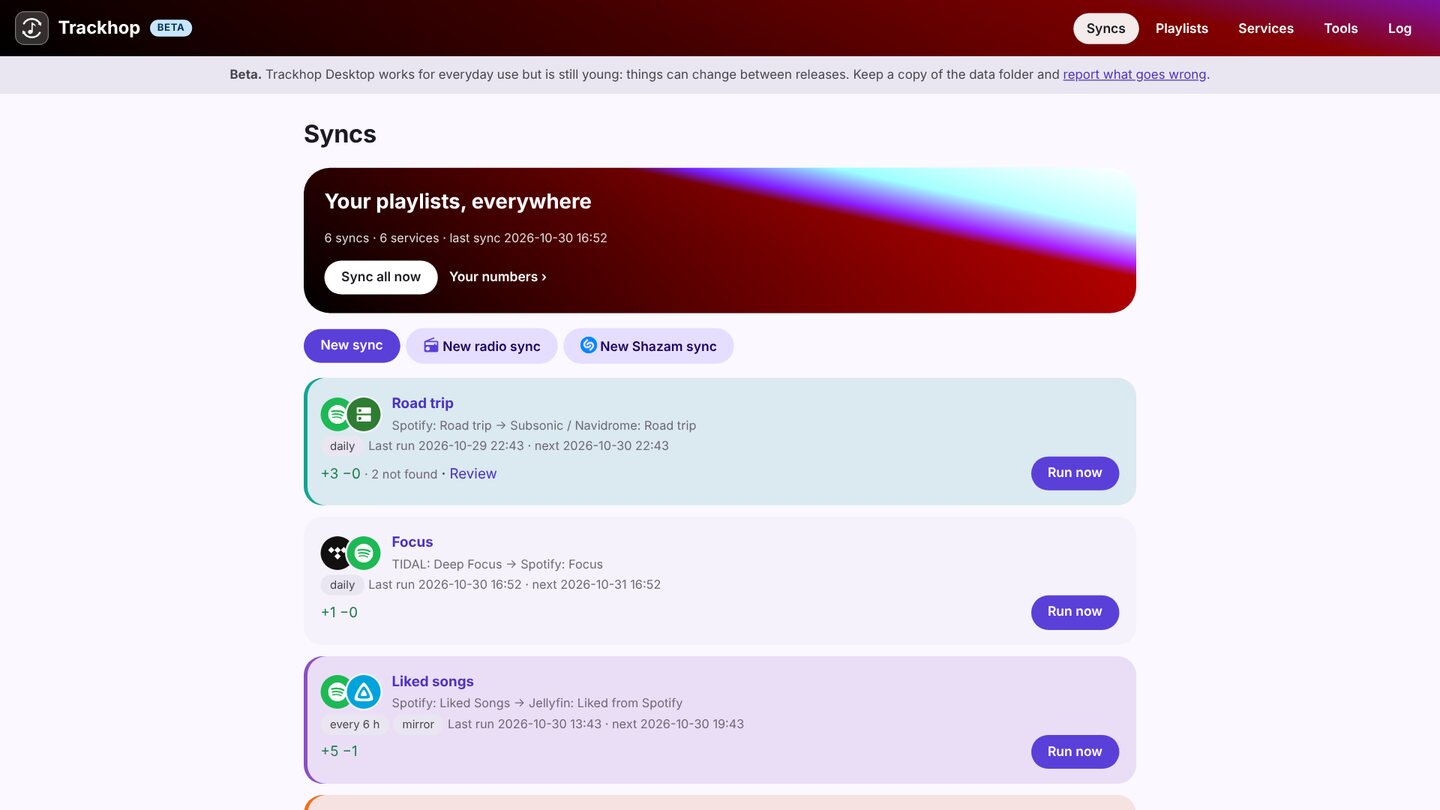
Trackhop Desktop keeps your playlists identical across music services on Linux: Spotify, YouTube and TIDAL (with your own free developer key), your Navidrome, Jellyfin or Plex server, Last.fm and ListenBrainz, and playlist files. It runs your syncs on a schedule, with an icon in the tray and its own window. Free and open source (GPL-3.0), no account, its own Java runtime included.
Install
From the download table:
| Package | How |
|---|---|
.deb (Debian, Ubuntu, Mint, Pop!_OS…) |
sudo apt install ./Trackhop-Desktop-v…-linux.deb, then Trackhop in the menu |
| Flatpak (any distribution) | flatpak install --user Trackhop-Desktop-v…-linux.flatpak (built from source, as Flathub does) |
.tar.gz (any x86-64 distribution) |
unpack and run Trackhop/bin/Trackhop |
On a server or a NAS with no desktop, use Docker instead: one container, a web page, the syncs around the clock (how).
What you can do
- Sync playlists on a schedule, hourly to weekly, additions only or removals mirrored too.
- Transfer many playlists at once, liked songs and saved albums included.
- Review the tracks the target does not have, with suggested replacements.
- Back up every playlist as dated files (CSV, M3U, XSPF, JSPF…), on a schedule.
- Radio syncs: the songs an internet radio plays in the hours you choose, saved to a playlist.
- Automate it: cron or systemd timers with the command line
(
trackhop-cli run --all --wait), or the REST API and webhook.
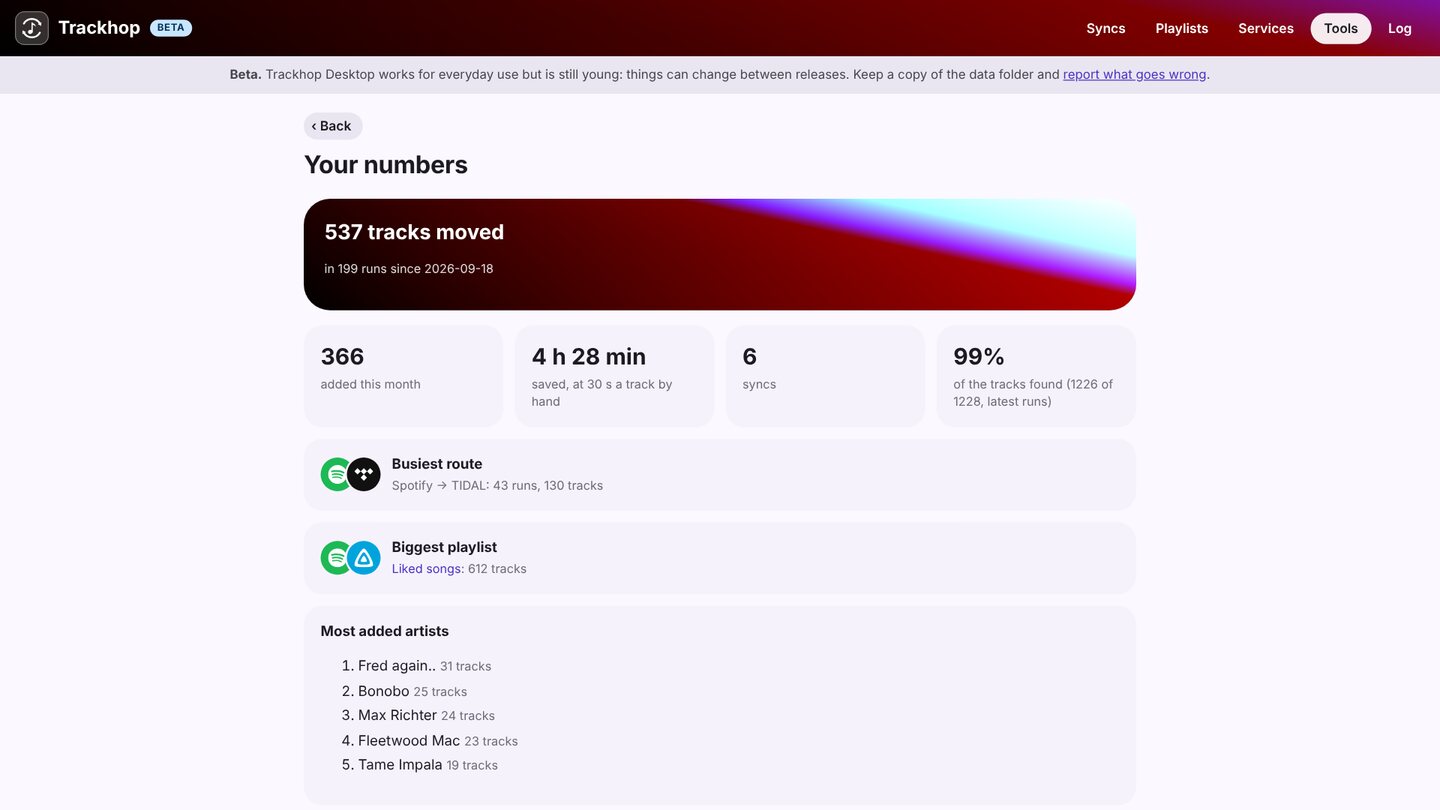
Its pages are served only to this computer (127.0.0.1). Your data stays in
~/.local/share/trackhop (~/.var/app/io.github.xlollx.Trackhop/data/trackhop with the Flatpak).
More: the Desktop guide · Windows · Mac · self-hosted